Employee Self Service for every employee
Employees handle attendance, leave, payslips, tax declarations and requests themselves, and managers approve from one inbox. Self-service runs on the web today, including in a phone browser. The NeevHR mobile app is built for Android and iPhone.
NeevHR mobile app
Built for Android and iPhone, coming to Google Play and the App Store. Today employees use self-service on the web, including from a phone browser.
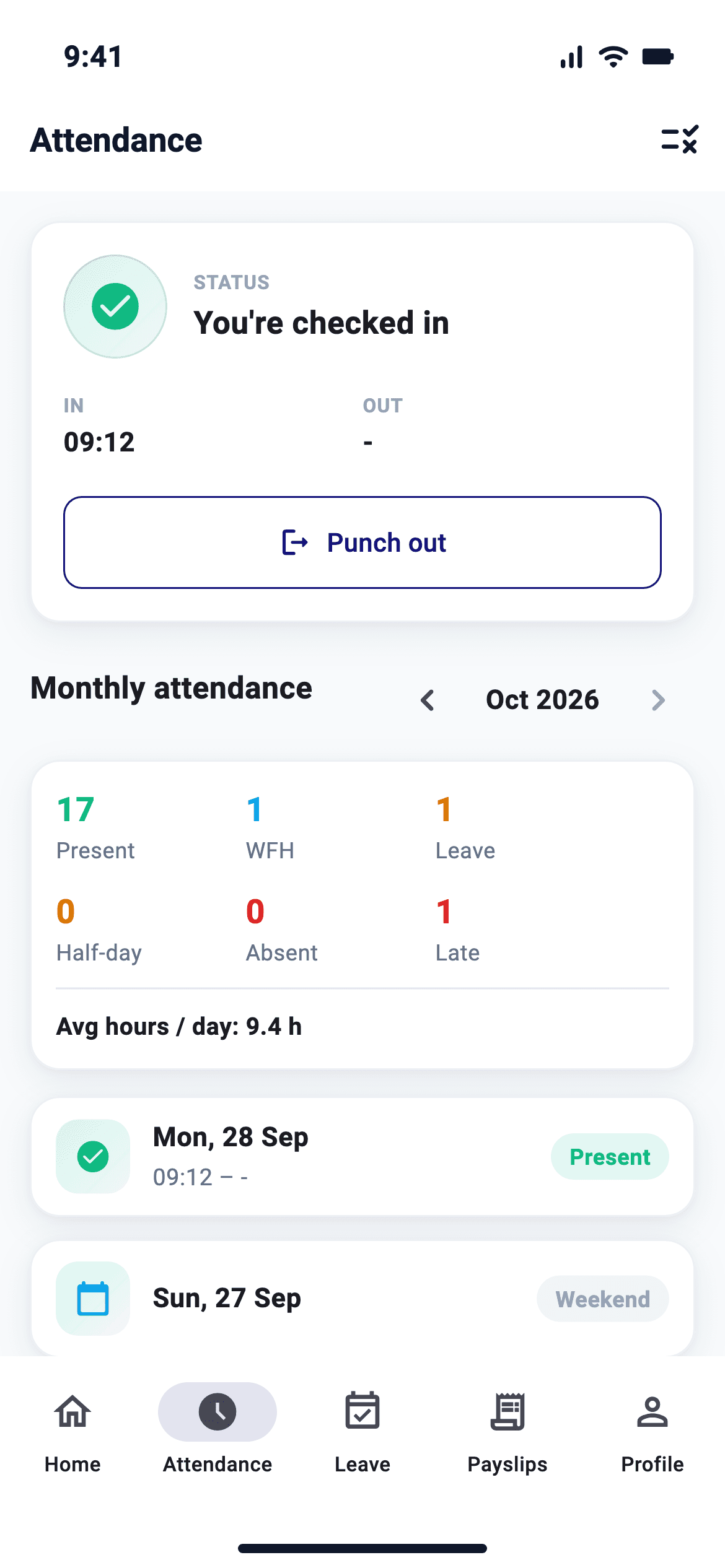
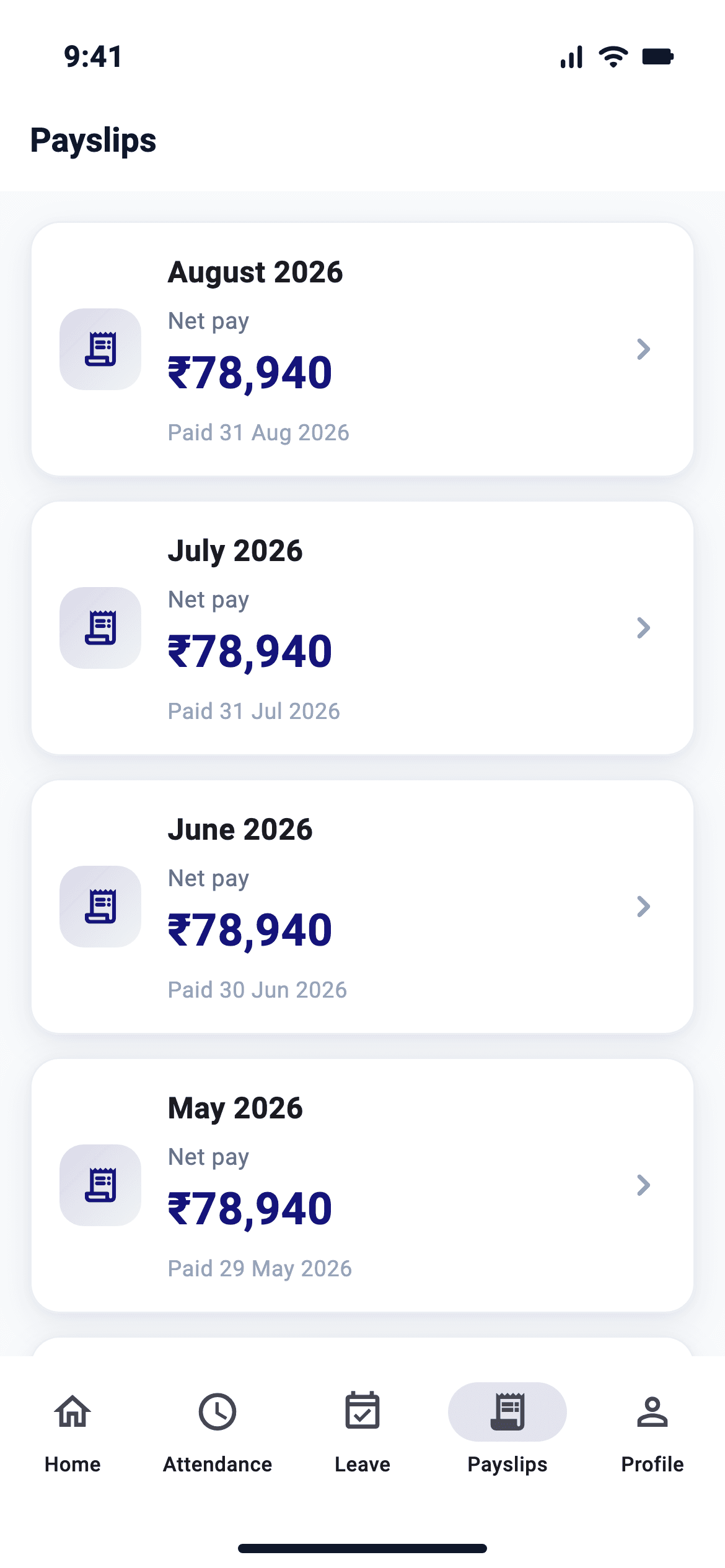
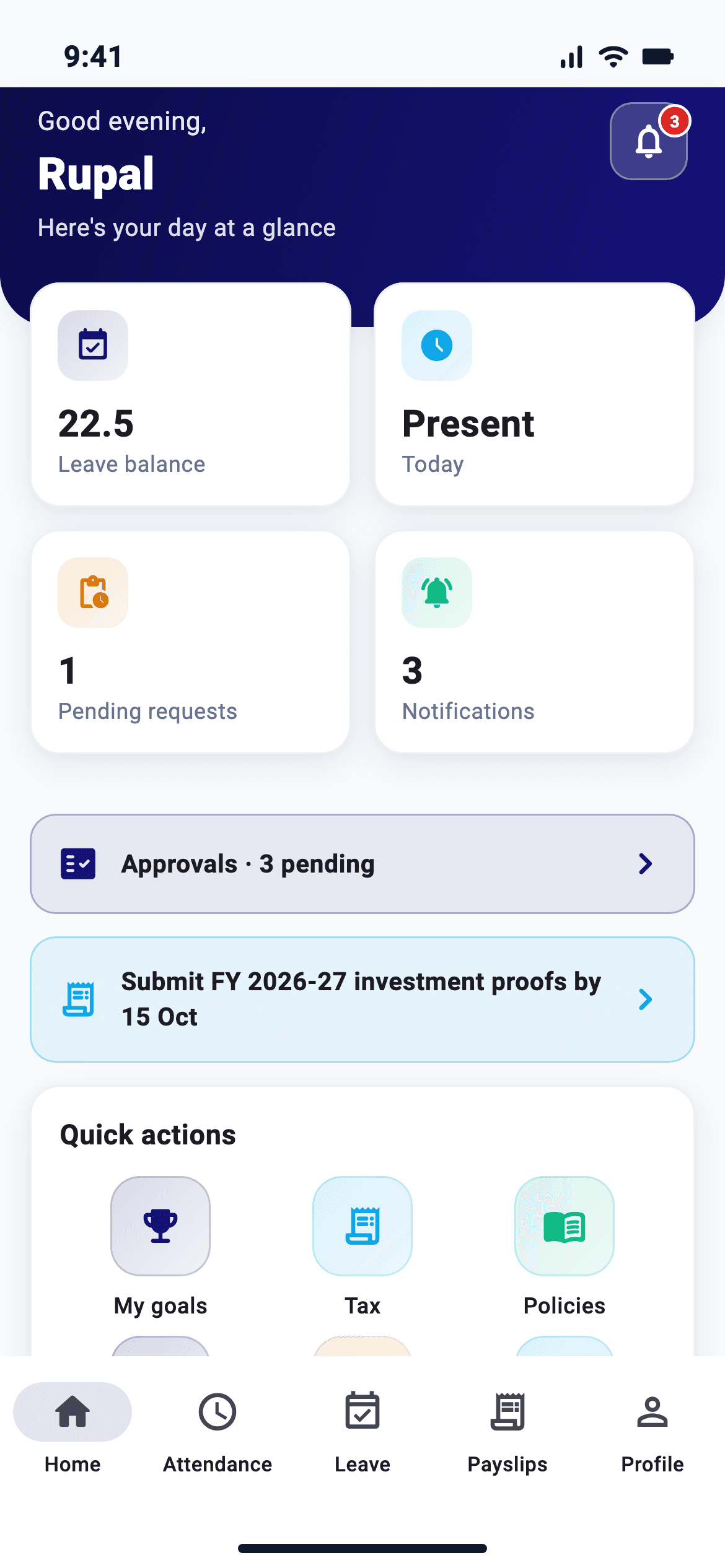
Screens from the NeevHR mobile app, shown with illustrative data.
The screens employees use every day
These are real screens from the NeevHR mobile app, rendered with demo data. The app is built for Android and iPhone; these features also run in web self-service today.
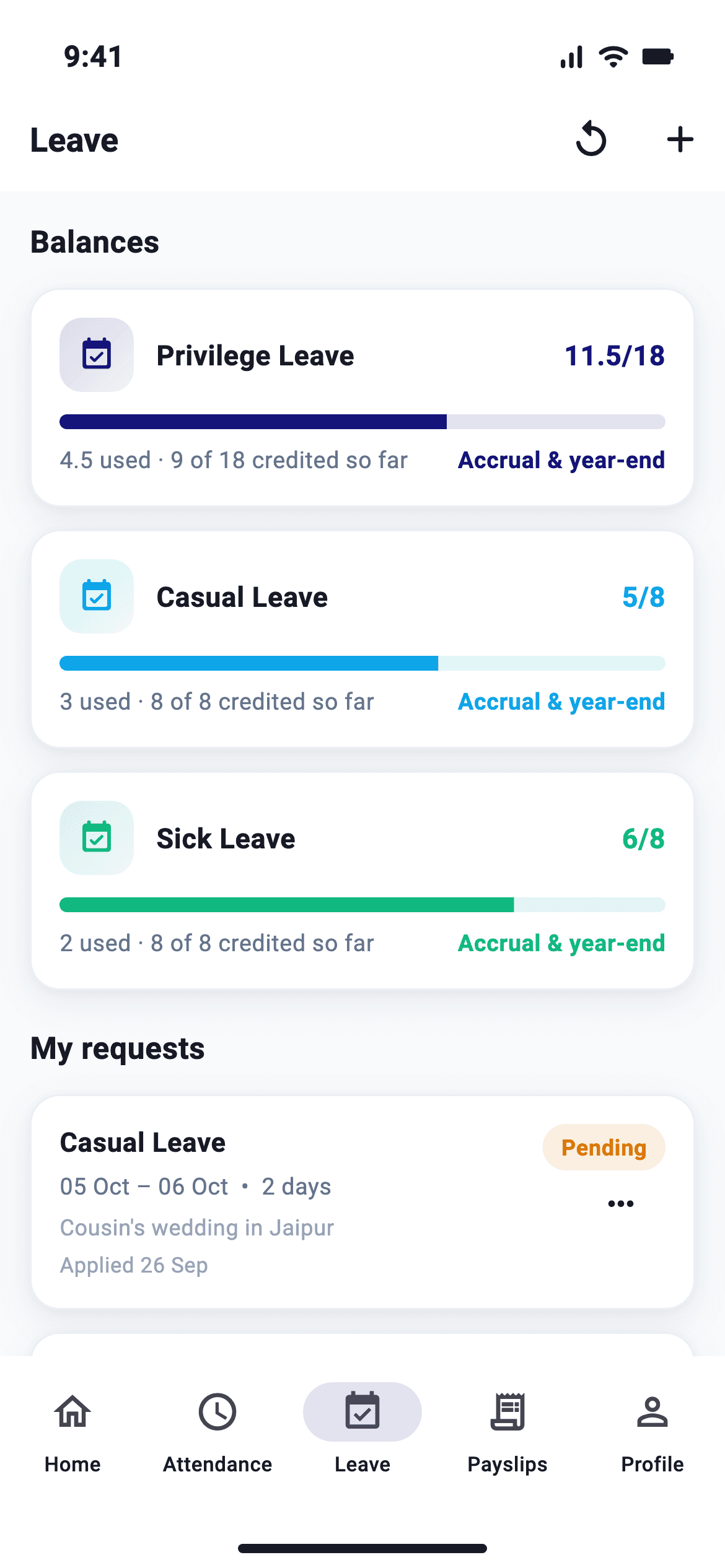
Leave
Live balances by leave type and the status of every request.
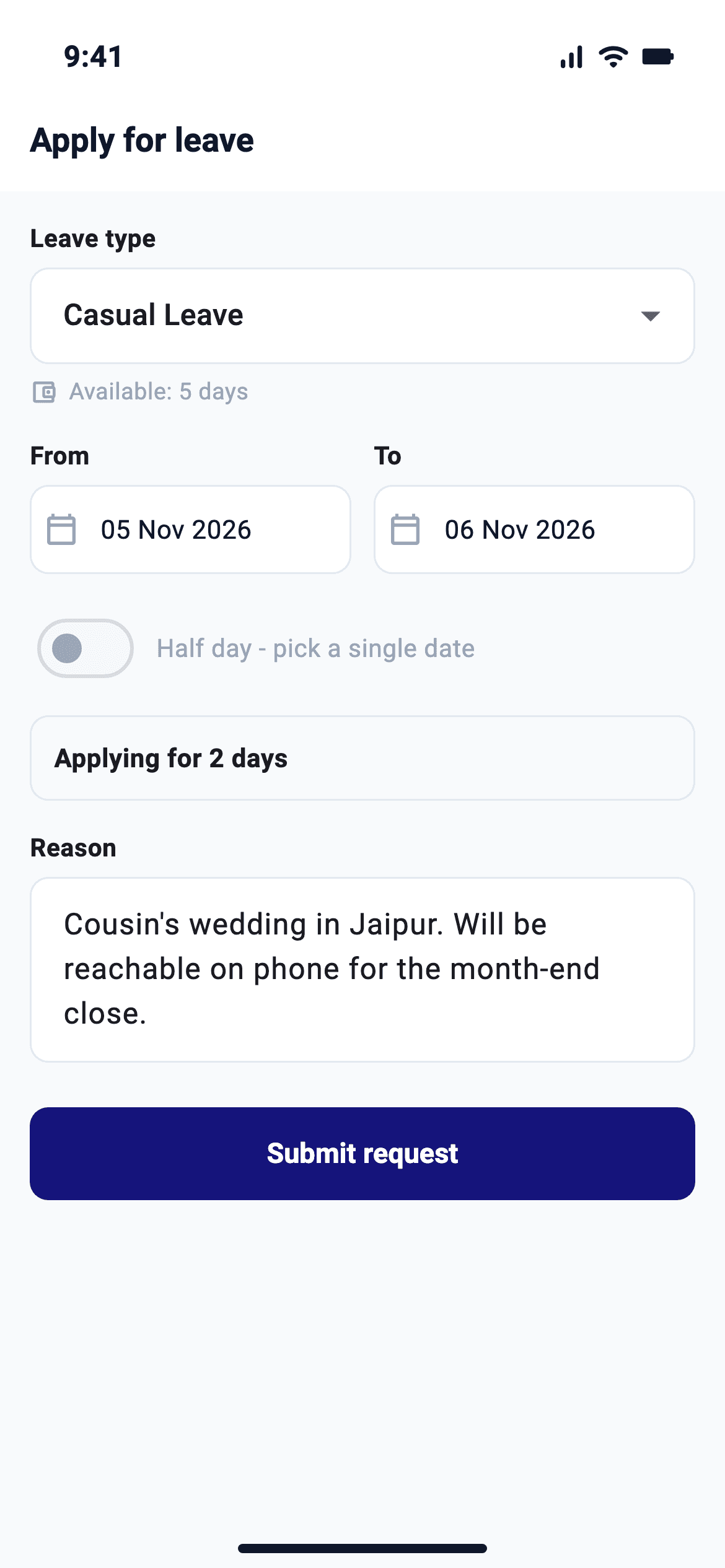
Apply leave
Pick the type and dates, add a reason and submit for approval.
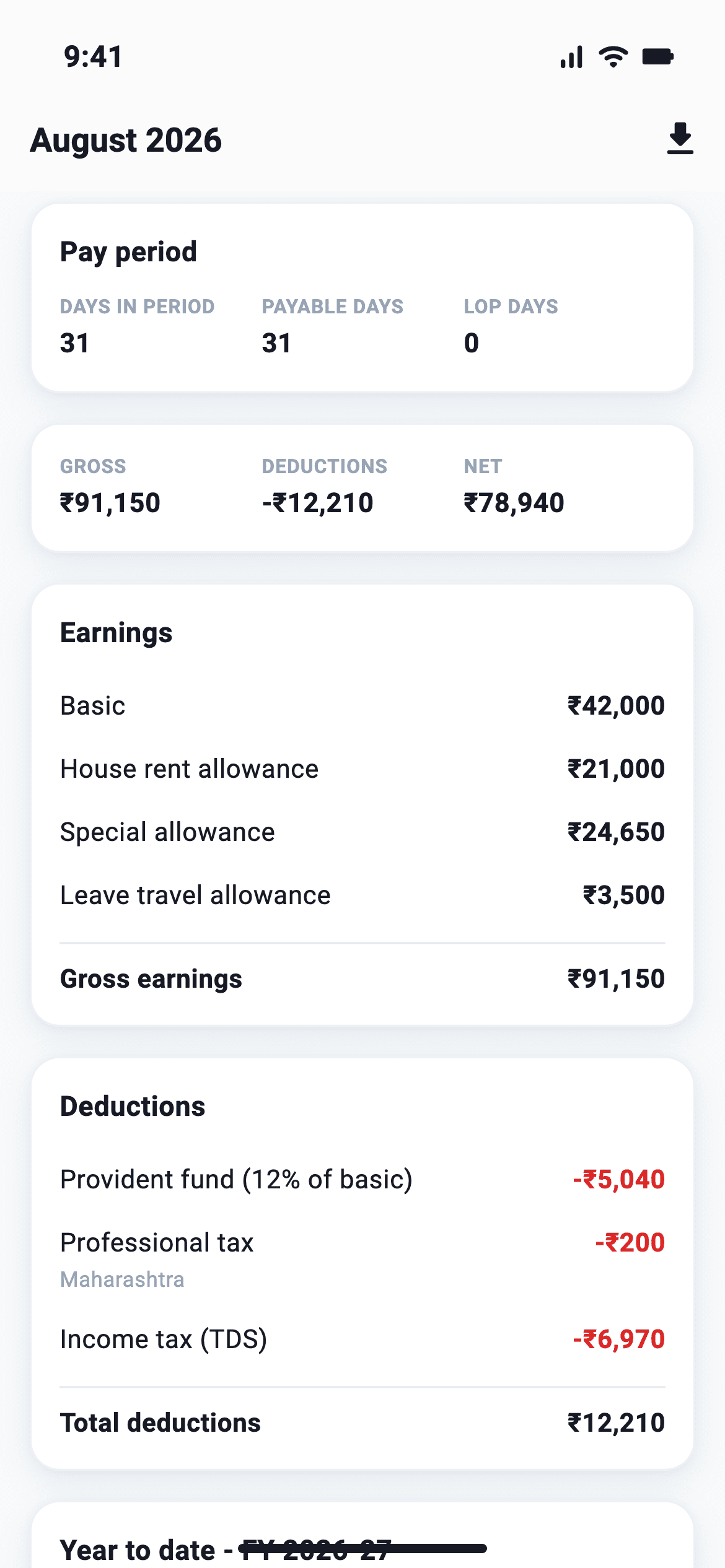
Payslip detail
Earnings, PF, PT and TDS deductions, and net pay for the month.
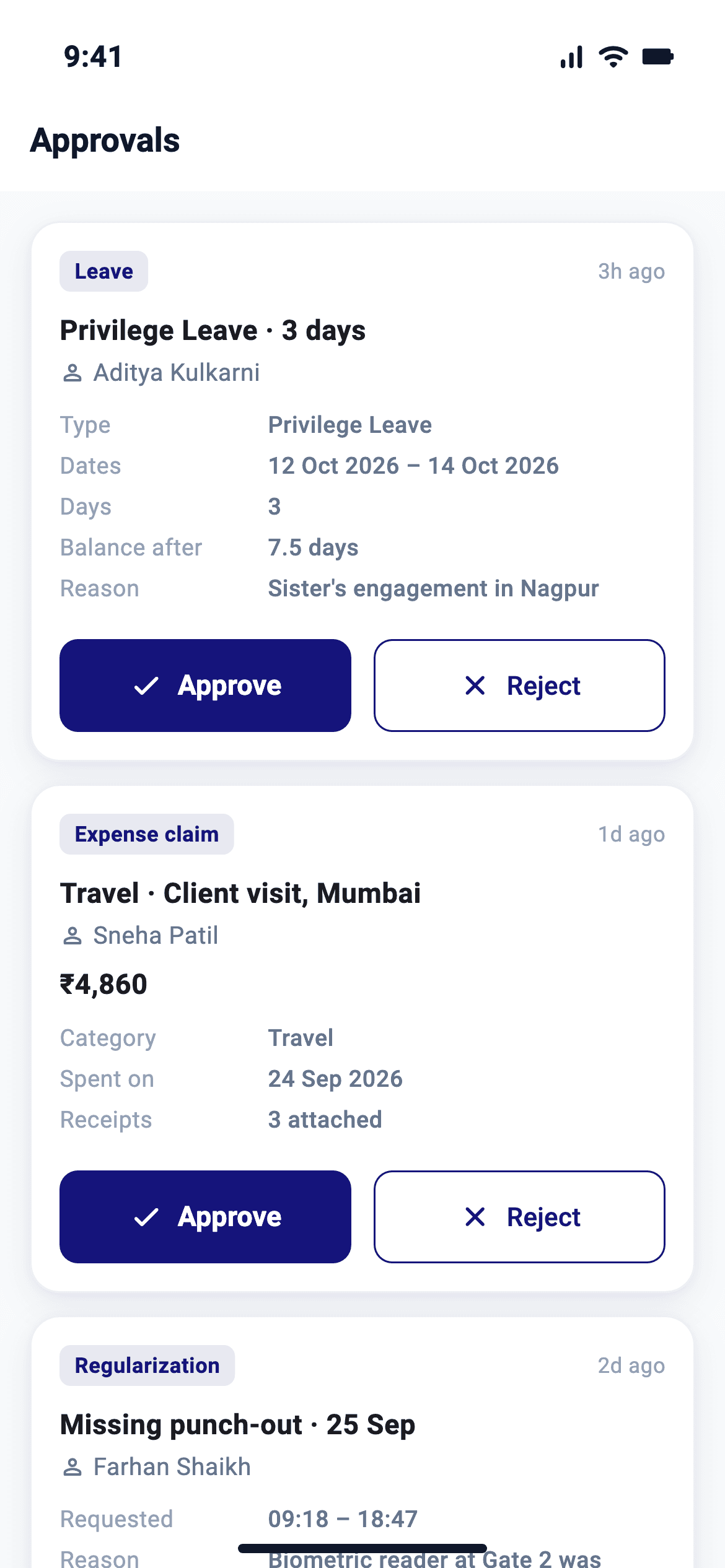
Approvals
Managers approve their team's requests from one inbox.
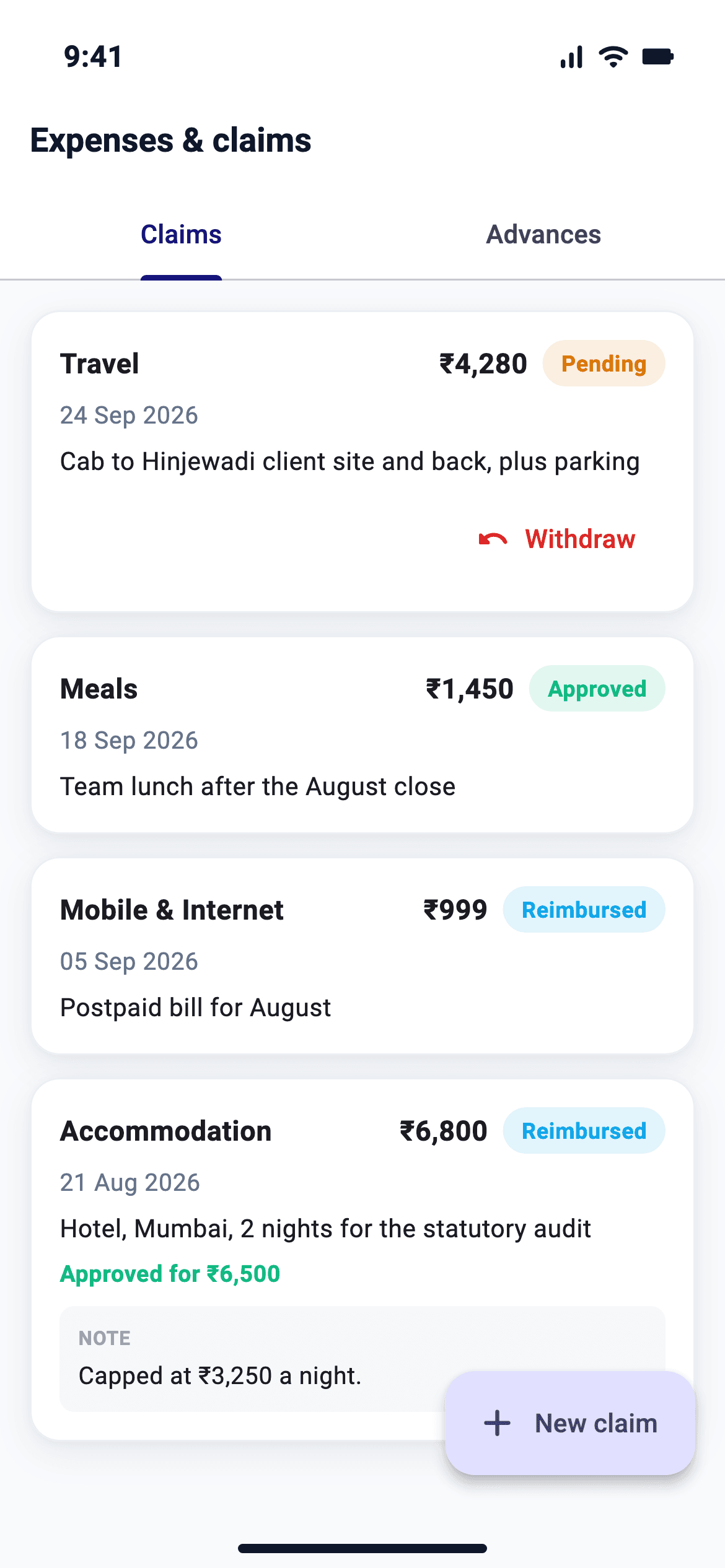
Expenses
Claim expenses against policy and track reimbursement.
Punch in from the site, not the desk
For staff who are not at a desk, the app takes a punch inside the geofence you set, or from a QR code at the site. Field staff can also share their location during duty hours, with consent.
Sample screen. Geofenced punch and Scan QR are built into the NeevHR mobile app.
Available in web self-service today
Attendance
See daily attendance and raise regularisation requests.
Leave
Check live balances, apply for leave and track approvals.
Payslips and Form 16
View and download payslips and Form 16 without emailing HR.
Tax declarations
Declare investments, upload proofs and choose the tax regime within the window.
Expenses and loans
Submit claims with receipts and apply for loans within policy.
Approvals inbox
Managers see everything awaiting them, from leave to expenses, in one inbox.
Helpdesk and surveys
Raise HR tickets and respond to surveys.
Why this amount
See how a payslip figure was reached.
Internal jobs and ID card
See open roles inside the company and view your ID card.
Hindi
Every self-service page and the mobile app are available in Hindi.
Set by your company
Your HR can hide self-service pages by role and entity.
My data
Make data principal requests under the DPDP Act 2023.
Related: What is employee self-service? · Leave · Attendance
Self-service questions
Is there a NeevHR mobile app?
It is built for Android and iPhone and coming to Google Play and the App Store; it is not listed yet. Web self-service is available today and works in a phone browser.
What can employees do in self-service today?
Check attendance and raise corrections, apply for leave, download payslips and Form 16, submit tax declarations and proofs, claim expenses, apply for loans, raise helpdesk tickets and act on approvals.
What is in the mobile app?
Geofenced and QR punch, attendance, leave, payslips, tax, expenses and travel advance, loans, helpdesk, internal jobs, 1:1 meetings, goals and goal check-ins, development plans, 360 feedback, learning, assets, travel, bookings, onboarding, my interviews, org chart, a Team hub for managers, My ID card, approvals, field tracking, the AI assistant, and Sign in with Google or Microsoft. The app is available in English and Hindi.
What stays on the web?
Admin and HR screens, and these for employees and managers: learning, assets, travel requests, the org chart, team insights, delegation, the POSH complaint route, goal cascade, and editing 1:1 notes.
Is self-service available in Hindi?
Yes, for employees. Every self-service page and the mobile app are available in Hindi, and the AI assistant replies in Hindi or Gujarati. Admin screens are in English today.